Updated July 2026
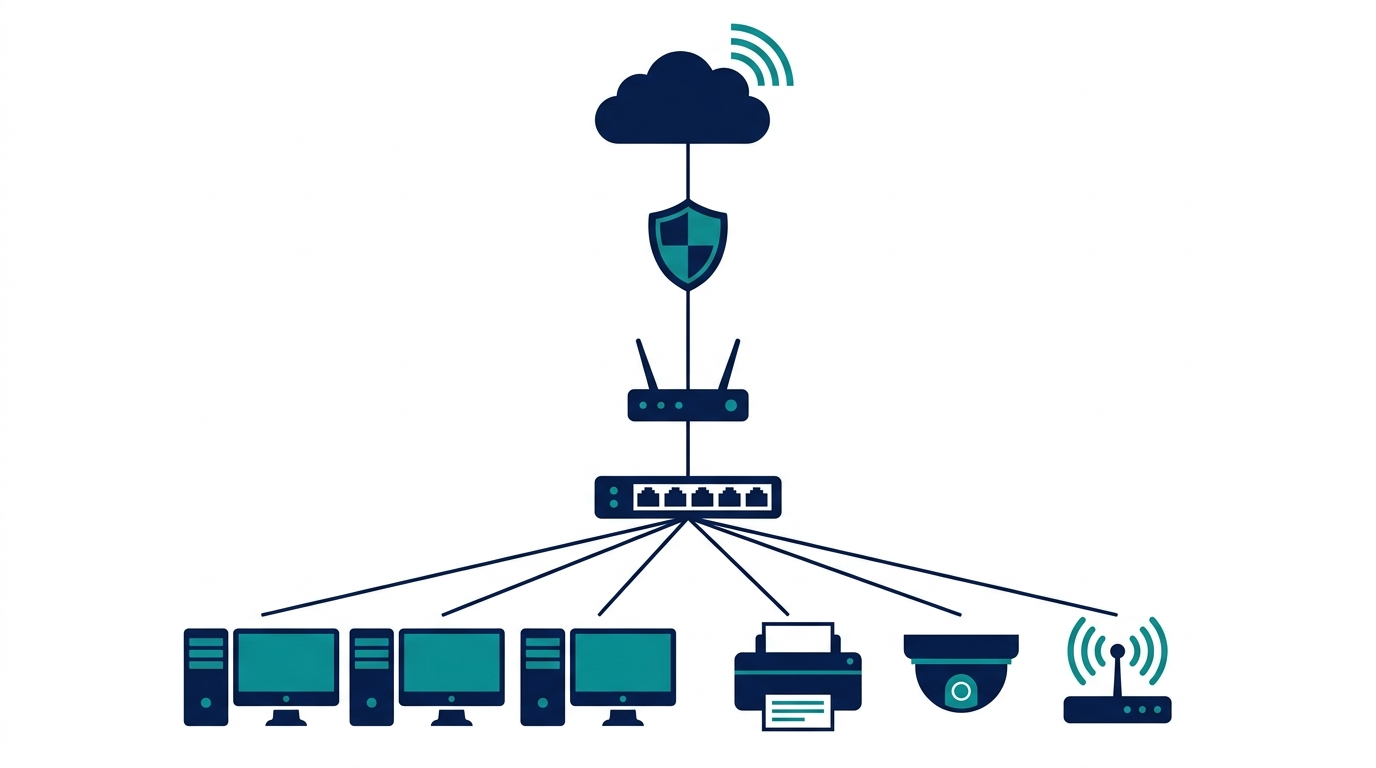
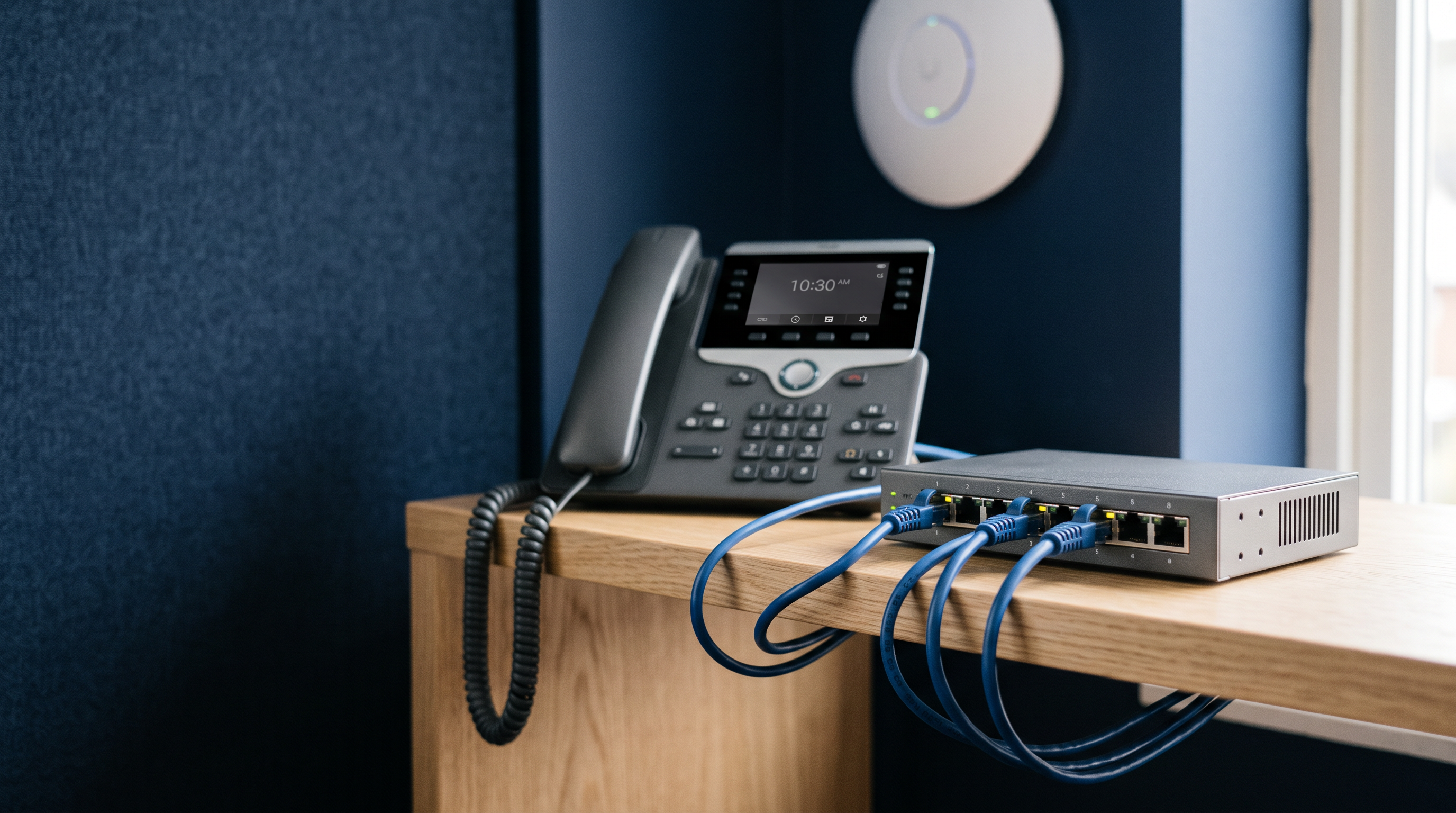
A typical ten-person office runs four desk phones, a few IP cameras, and a wireless access point in the ceiling. Each of those devices needs power, and few of them sit anywhere near an outlet. A PoE switch solves this by carrying power and data over the same network cable, which removes the need for new electrical work at every device location.
For most small offices, the right choice is an 8-port PoE+ switch with a power budget above 100W. Our picks: the NETGEAR GS108PP for plug-and-play simplicity, the TP-Link Omada SG2210P for managed networks, and the TP-Link ES220GMP when camera counts grow.
How to size your PoE budget
Two numbers decide whether a PoE switch fits your office: how many ports supply power, and the total budget those ports share. Port count gets most of the attention, but the power budget is usually the limit you reach first.
- List every powered device you own or plan to add: IP phones, cameras, wireless access points, door controllers.
- Look up each device's maximum power draw on its spec sheet. The PoE class caps it: an 802.3af (PoE) port delivers up to 15.4W, an 802.3at (PoE+) port up to 30W.
- Add the maximums together, then allow roughly 20 percent of headroom. Devices tend to get added over time, and the budget needs room for them.
Applied to the office above, grown slightly: four phones, four cameras, and two Wi-Fi 6 access points make ten powered ports. Budgeting the phones and cameras at a conservative 10W each and the access points at their full 30W class limit gives 140W. A 61W switch is not enough. A 250W switch like the ES220GMP covers it with comfortable headroom.

If PoE classes and power negotiation are unfamiliar, start with our explainer, What Is PoE? Power over Ethernet Explained, then return with your device list.
The picks
One recommendation covers the majority of cases: for a typical small office, the NETGEAR GS108PP powers every port with nothing to configure. The other picks are here for the offices that need more ports, more power, or more control.
Best budget starter: TP-Link Omada ES205GP

The TP-Link Omada ES205GP is the smallest sensible starting point: five Gigabit ports, four of them 802.3af/at PoE+, with a 65W budget and up to 30W available on any single port. It is cloud managed through the Omada app or web interface, so configuration does not require standing at the switch. It is also fanless, which makes it quiet enough to sit in the open at a small storefront powering an access point, a camera, and a phone or two.
Its limits are worth knowing before you buy. Four powered ports fill up quickly, and there is no SFP uplink, so an office that keeps adding devices will outgrow it.
Best 8-port plug-and-play: NETGEAR GS108PP

The NETGEAR ProSAFE GS108PP is our default recommendation because it settles the two questions this guide spends the most time on. All eight ports supply PoE+ at up to 30W each, and the 123W budget covers a full set of phones, cameras, and an access point without careful arithmetic. It is unmanaged, so setup amounts to plugging it in; the case is metal and fanless, and NETGEAR backs it with a limited lifetime hardware warranty. The 123W figure comes from NETGEAR's FlexPoE design, in which the external power adapter sets the budget: the GS108PP ships with its full budget available, while the sibling GS108LP starts at 60W and reaches 123W only after an adapter upgrade.
The tradeoff is control. There are no VLANs, no per-port power switching, and no remote monitoring, so a locked-up camera has to be power-cycled at the switch.
Best managed 8-port: TP-Link Omada SG2210P

The TP-Link Omada SG2210P is the step up for offices that need to organize their traffic, not just carry it. It is a 10-port smart switch: eight Gigabit PoE+ ports with a 61W budget, plus two SFP slots for a fiber uplink, and management features the unmanaged picks lack, including IGMP snooping, port mirroring, and spanning tree.
The 61W budget is the smallest among these picks, and cameras consume it quickly. Add up your device wattage before assigning it camera duty.
Best 16-port simplicity: Aruba Instant On 1430

The Aruba Instant On 1430 extends plug-and-play past eight ports. All sixteen Gigabit ports supply Class 4 PoE at up to 30W each from a 124W budget; it is unmanaged, fanless, rack-mountable in 1U, and carries a lifetime warranty. It suits offices that want more wired drops without taking on network administration.
The budget deserves attention: 124W across sixteen powered ports averages under 8W per port if every port is loaded. That is ample for phones, but tight for a larger camera installation drawing near the class maximum.
Best PoE budget for cameras: TP-Link Omada ES220GMP

Camera-heavy deployments are the reason the TP-Link Omada ES220GMP is on this list. Its 250W budget is the largest here by a wide margin, spread across sixteen 802.3at PoE+ ports among 18 Gigabit RJ45, plus two SFP slots, for 20 ports in all. Twelve cameras and a pair of access points fit within the budget with genuine headroom. It is an Omada easy managed switch in a 1U steel chassis.
For an office powering only a handful of devices it is more switch than needed, and much of its capacity would go unused.
Best 24-port for growing offices: Cisco Catalyst C1200-24P-4G

The Cisco Catalyst C1200-24P-4G is the pick for offices heading toward twenty or more wired drops, and the natural choice where IT support standardizes on Cisco. It provides twenty-four Gigabit PoE+ ports, a 195W budget, four SFP slots, and smart management that extends to Layer 3 routing. It is also fanless.
Two considerations before choosing it: the price step up from the rest of this list is real, and 195W across 24 ports calls for the same budget arithmetic as any other pick once many ports are powering devices.
Worth a look for future-proofing: the TP-Link Omada SG2210XMP-M2 moves the same formula to 2.5GbE, with a 160W budget and two 10GbE SFP+ uplinks. If Wi-Fi 7 access points are in your plans, multi-gig ports keep the switch from becoming the bottleneck.
Comparison table
| Model | Ports | PoE+ ports | PoE budget | Management | Uplinks |
|---|---|---|---|---|---|
| TP-Link ES205GP | 5x Gigabit | 4 | 65W | Cloud managed | None |
| NETGEAR GS108PP | 8x Gigabit | 8 | 123W | Unmanaged | None |
| TP-Link SG2210P | 8x Gigabit + 2x SFP | 8 | 61W | Smart | 2x SFP |
| Aruba Instant On 1430 | 16x Gigabit | 16 | 124W | Unmanaged | None |
| TP-Link ES220GMP | 18x Gigabit + 2x SFP | 16 | 250W | Easy managed | 2x SFP |
| Cisco C1200-24P-4G | 24x Gigabit + 4x SFP | 24 | 195W | Smart, L3 routing | 4x SFP |
Fanless picks, confirmed per model: ES205GP, GS108PP, Instant On 1430, and C1200-24P-4G.
Managed vs unmanaged PoE switch: which does a small office need?
An unmanaged switch behaves like an appliance: connect power and devices, and it works. For an office that powers phones and a camera or two on one flat network, unmanaged is genuinely the right answer rather than a compromise.
A managed or smart switch earns its place the day you need to separate traffic: a guest Wi-Fi network that cannot reach your file server, phones prioritized over bulk downloads, or a camera VLAN isolated from the office LAN. Many managed models also offer per-port PoE control, which lets you power-cycle a frozen camera remotely instead of visiting the closet.
A practical rule: if you cannot name the network segment you would create, buy unmanaged and save the difference. If you can, picks like the SG2210P and ES220GMP bring smart management within a small-office budget.
PoE switches for IP cameras and VoIP phones
Cameras and phones are the two devices that most often push small offices into PoE, and they pull in opposite directions. Phones draw little power, so port count matters more than budget. Cameras, especially PTZ models, draw more per device, so the budget line on the spec sheet becomes the deciding number.
Two practical notes for camera installs:
- If your NVR has built-in PoE ports, cameras wired directly to it need no switch at all. A separate PoE switch buys you placement flexibility and extra capacity when you outgrow the NVR's ports.
- Wire the switch to camera locations with the run length in mind. PoE is specified to 100 meters over Ethernet cable, and some switches in this class offer extended-range modes at reduced speed for longer pulls.
One further note for government and public-sector camera projects: NDAA compliance comes up early in those procurements. NETGEAR states that all of its products comply with NDAA 2019 section 889, with TAA-compliant SKUs available for certain switch models. If your project involves federal funding, verify the requirement for each model before you buy.
FAQ
What size PoE switch does a small office need?
Count powered devices, add their spec-sheet maximum draws, and leave about 20 percent headroom. Most offices under ten people land on an 8-port PoE+ switch with a budget between 60W and 130W.
Can I plug regular devices into a PoE switch?
Yes. 802.3af/at switches negotiate power before supplying it, so a laptop or printer on a PoE port simply gets data with no power sent.
Do I need a managed switch for PoE to work?
No. PoE power delivery is identical on unmanaged switches. Management adds control over the network and the power, not the power itself.
Is a PoE switch necessary if my NVR has PoE ports?
Not for cameras that plug directly into the NVR. Add a PoE switch when camera count, cable placement, or non-camera devices outgrow the NVR's built-in ports.
What is the difference between PoE and PoE+?
PoE (802.3af) delivers up to 15.4W per port, PoE+ (802.3at) up to 30W. Every pick in this guide supports PoE+. The full breakdown is in our PoE explainer.
Browse all network switches at eFive.