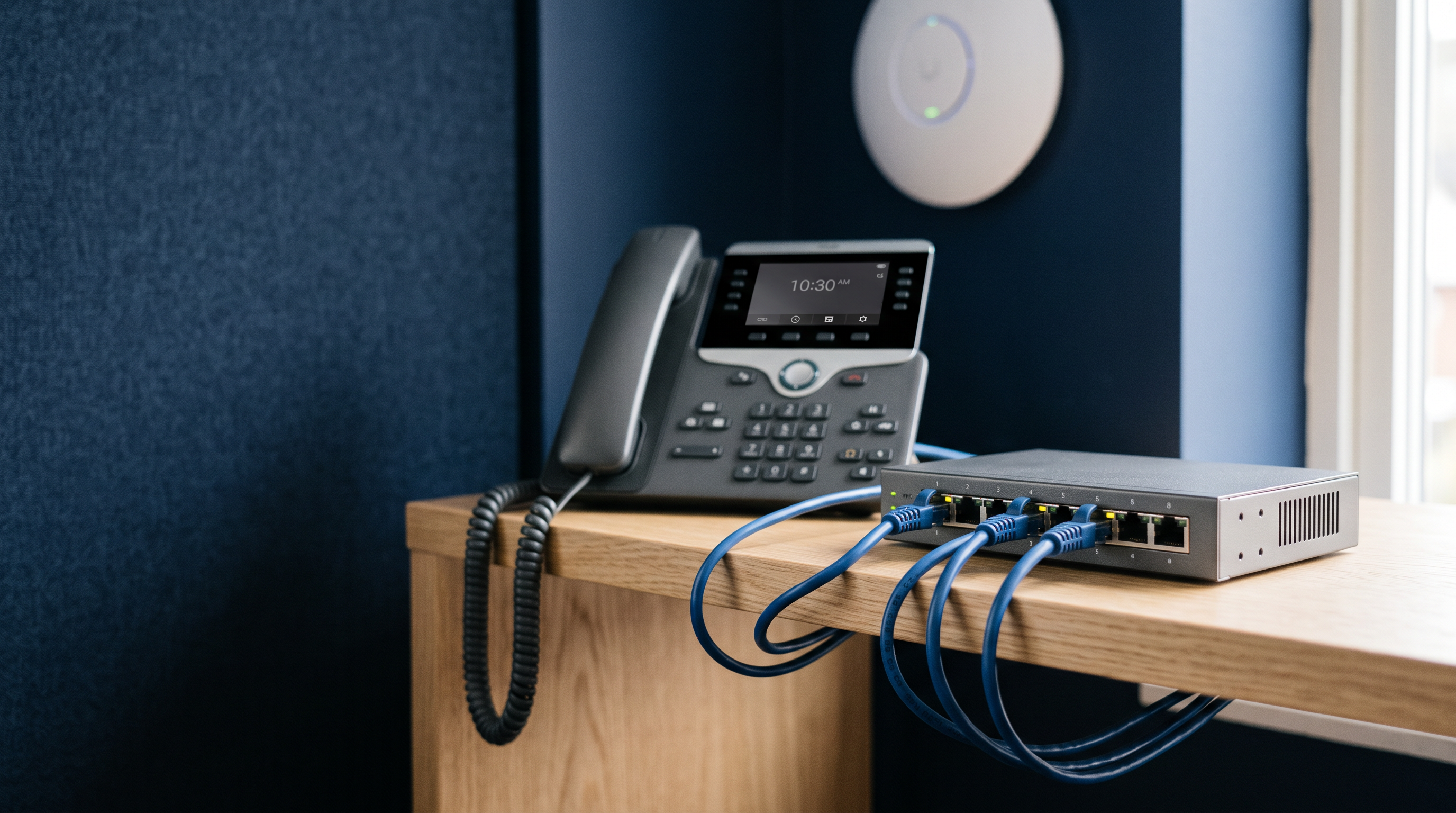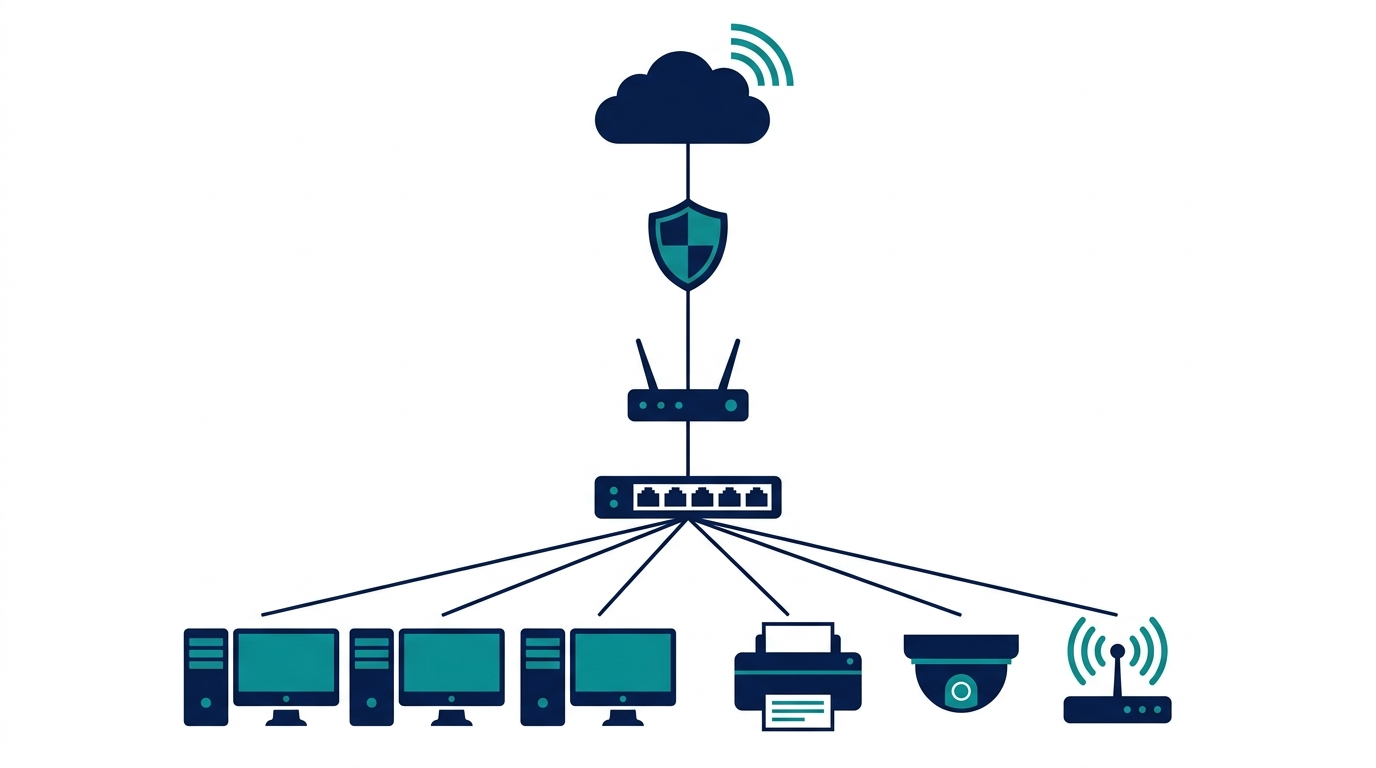
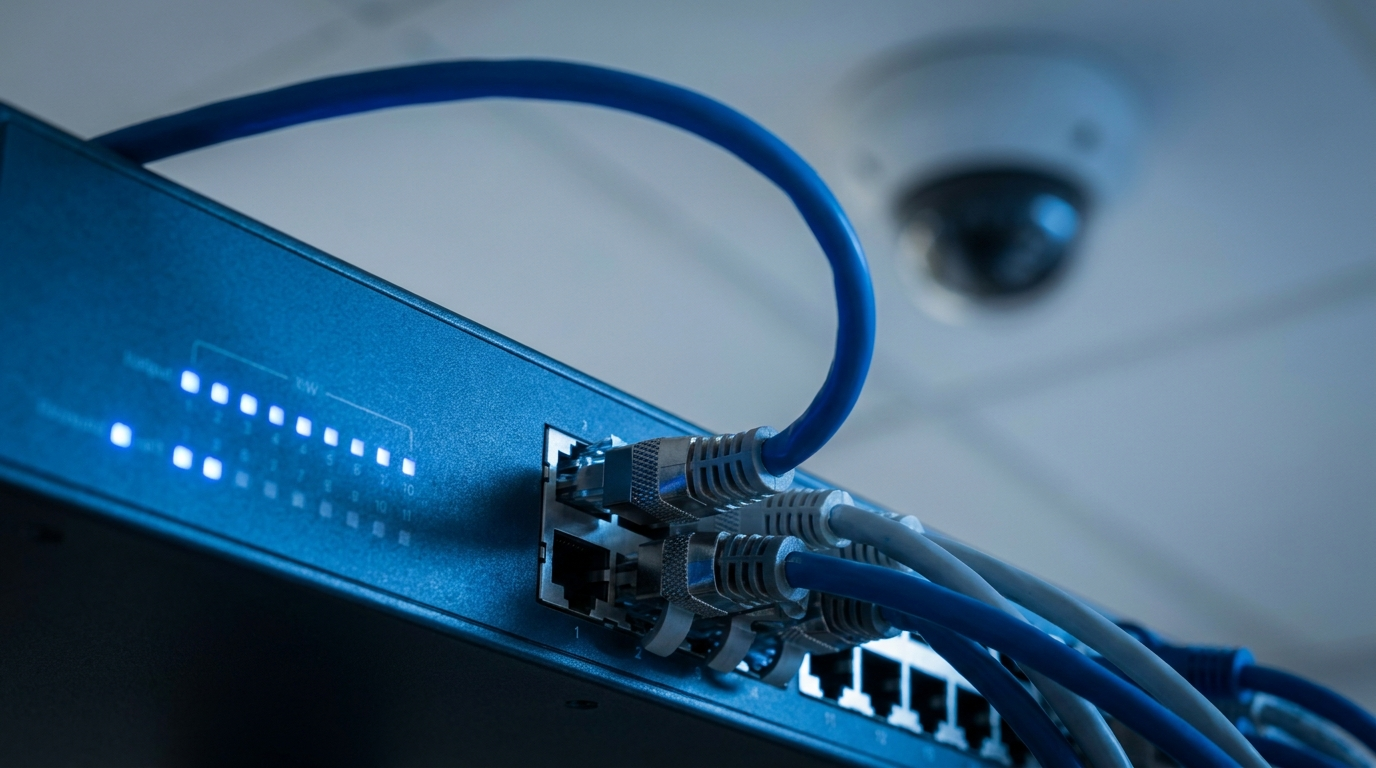
Every IP phone, security camera, and wireless access point in your office needs two things: a network connection and power. Power over Ethernet (PoE) delivers both through one network cable — no outlet at the ceiling, no power adapter behind the desk phone, no electrician.
How it works
A PoE switch injects low-voltage power into the same ethernet cable that carries data. The connected device draws what it needs; standard non-PoE devices on the same switch simply ignore the power. The result is cleaner installs, devices placed where coverage is best (not where outlets happen to be), and the ability to reboot a hung camera or access point remotely from the switch.

PoE vs PoE+ vs PoE++
The standards differ in how much power each port can deliver:
- PoE (802.3af) — up to 15.4 W per port. Enough for IP phones and basic cameras.
- PoE+ (802.3at) — up to 30 W per port. The sweet spot: runs most wireless access points and pan-tilt-zoom cameras. If you're unsure, buy PoE+.
- PoE++ (802.3bt) — up to 60 W or 90 W per port. For high-power gear: Wi-Fi 6E/7 access points with multiple radios, video phones, even some displays and mini PCs.
Higher standards are backward compatible — a PoE++ port happily powers an old IP phone at 15 W.
The spec people miss: power budget
Per-port wattage gets the attention, but the switch also has a total power budget shared across all ports. A 24-port PoE+ switch with a 190 W budget can't deliver 30 W on all 24 ports at once. Add up the actual draw of your devices — phones are light, modern access points and PTZ cameras are not — and leave 20–30% headroom for growth.
Sizing it: a quick example
A ten-person office with 10 IP phones (~6 W each), 3 access points (~20 W each), and 4 cameras (~12 W each) draws roughly 170 W. That points to a 24-port PoE+ switch with a 250 W+ budget — ports and power to spare.
Ready to cut the power adapters? Browse PoE switches and access points, or contact eFive with your device list and we'll size the budget for you.