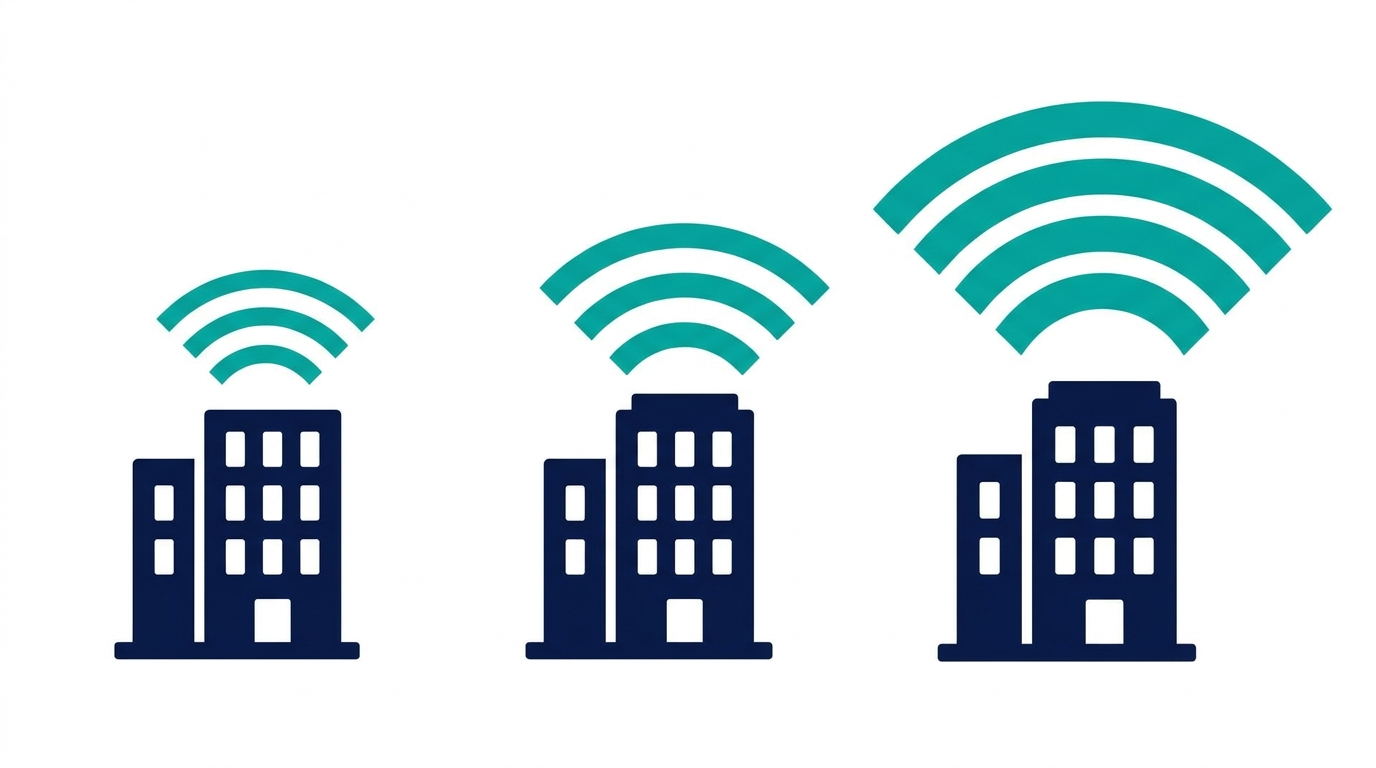
For the first time, three Wi-Fi generations are sold side by side: Wi-Fi 6, 6E, and 7. The price gaps are real, but the decision is simpler than the spec sheets make it look.
Wi-Fi 6: the dependable baseline
Wi-Fi 6 (802.11ax) was built for crowded networks. Its core improvement over Wi-Fi 5 is not peak speed but efficiency: it serves many devices at once far better, which is exactly what an office full of laptops, phones, and video calls needs. For most small businesses, Wi-Fi 6 remains a sound choice, and it is the most affordable of the three.
Wi-Fi 6E: the same engine, an empty highway
Wi-Fi 6E takes Wi-Fi 6 and adds the 6 GHz band, spectrum that older devices cannot use at all. 6E-capable laptops and phones get lanes with zero legacy traffic: less interference, more consistent speeds, lower latency. The catch is that 6 GHz has shorter range through walls, so plan on good access point placement. 6E shines in dense environments such as open-plan offices, shared buildings, and anywhere the 2.4 and 5 GHz bands are congested.

Wi-Fi 7: built for what's next
Wi-Fi 7 (802.11be) raises the ceiling again with wider channels on 6 GHz and Multi-Link Operation, which lets a device use multiple bands simultaneously for higher throughput and noticeably steadier connections. For businesses, the practical wins are large file transfers, high-density video conferencing, and future-proofing a network you intend to keep for five or more years. Browse Wi-Fi 7 and 6E routers to compare current options.
The rule that decides it
Your network is only as fast as both ends of the connection. If your laptops are two generations old, a Wi-Fi 7 router will serve them at their speed, not its own. Match the network to your device fleet:
- Mostly older devices and standard office work: Wi-Fi 6 covers you at the best price.
- Recent laptops and phones in congested airspace: Wi-Fi 6E pays off immediately.
- A device refresh underway and heavy video or file workloads: buy Wi-Fi 7 once instead of upgrading twice.
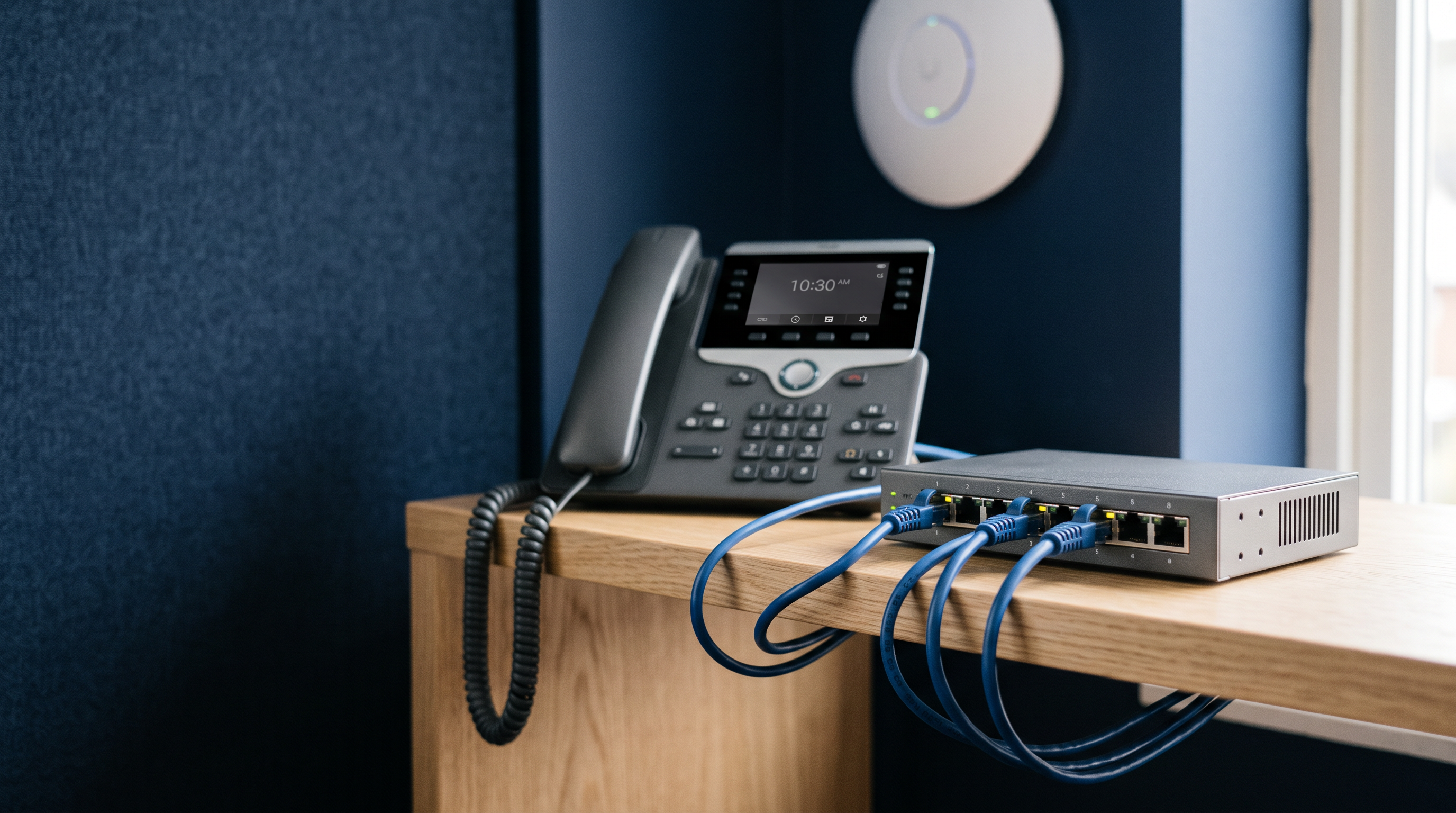
One more tip: wired backhaul matters. A fast access point fed by a slow switch is a sports car in traffic. Pair upgrades with multi-gigabit switches, or PoE switches that power the access points over the same cable. Our small-office PoE switch guide compares current picks.