Your team looks at their monitors more than anything else in the office, yet monitors are usually the afterthought line on the hardware budget. A good one improves comfort and output every single day. Here is what actually matters.
Size and resolution travel together
Bigger is not automatically better; sharpness depends on resolution at that size:
- 24" at 1080p: the budget workhorse for standard office tasks. See budget monitors for work.
- 27" at 1440p (QHD): the sweet spot for most desks, with meaningfully more workspace, still sharp, at a modest price step.
- 27 to 32" at 4K: crisp text and serious screen real estate for design, data, and document-heavy roles. Browse 4K monitors.
Avoid 27" at 1080p if you can; at that size the pixels start to show.
One big screen or two?
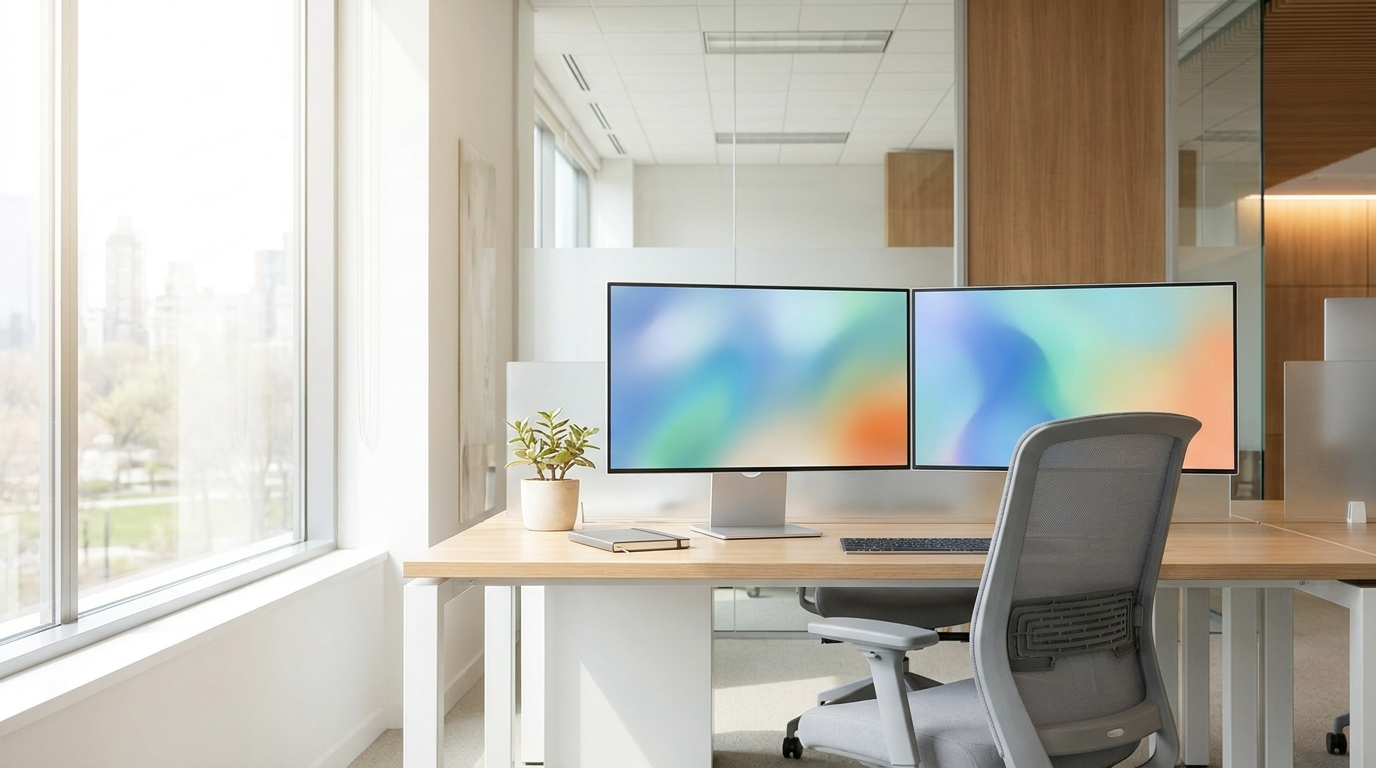
Dual monitors are the classic productivity setup, but a single curved ultrawide replaces two screens without the bezel seam down the middle, which suits spreadsheets, timelines, and side-by-side documents. A useful rule: two apps open all day points to dual or ultrawide; one app at a time points to one good 27".

Panel type in one paragraph
For office work, IPS is the default, with accurate colors and wide viewing angles, so the screen looks right even when you are not dead center. VA panels offer deeper contrast and are common in curved monitors. OLED delivers the best image quality at a premium and matters most for creative and media work. Unless you have a specific reason otherwise, buy IPS.
The features that earn their money
A height-adjustable stand is the cheapest ergonomic upgrade there is; fixed stands put the screen too low for most adults. USB-C with power delivery means one cable docks a laptop, charges it, and drives the display; for laptop-heavy offices this replaces a docking station (still choosing the computers? See laptop vs desktop vs workstation). VESA mount support lets you add arms later and reclaim the desk. Built-in webcams and speakers are useful in conference rooms and skippable elsewhere.
Quick picks by role
Front office and admin: 24" 1080p IPS with an adjustable stand. Knowledge workers: 27" 1440p IPS, USB-C if they use laptops. Finance, analysts, and project managers: dual 27" or one ultrawide. Design and content: 27 to 32" 4K IPS or OLED.