Router, switch, firewall: the three words get used interchangeably, but they name three different jobs. Buying the wrong one, or assuming one device covers all three, is the most common networking mistake small businesses make. Here is how the jobs divide.
The router: your connection to the internet
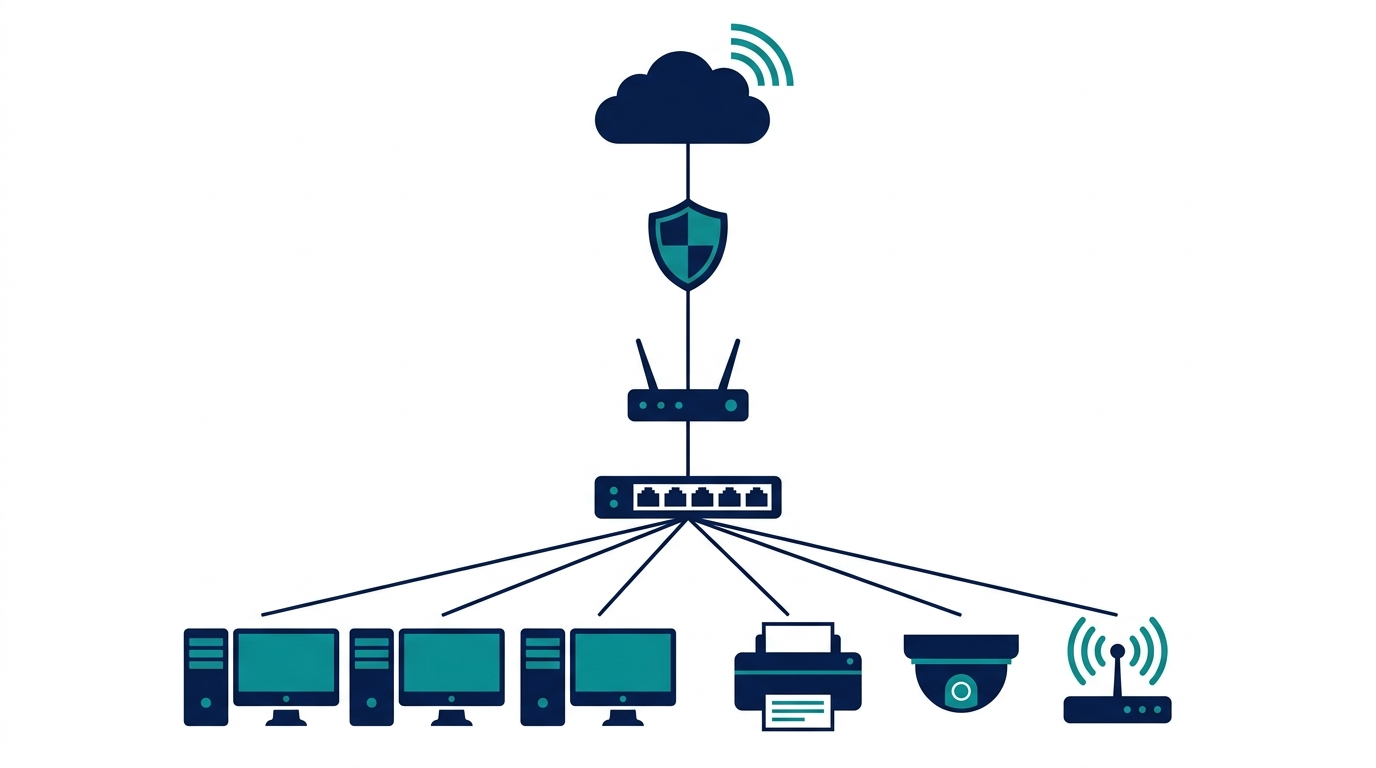
A router connects your office network to the outside world. It takes the single connection from your internet provider and shares it across every device in the building, deciding where each piece of traffic goes. Every network needs exactly one. Many business routers also handle Wi-Fi; if yours does not, or coverage is thin, dedicated wireless access points extend it properly (our Wi-Fi 6 vs 6E vs 7 guide covers which standard to buy).
The switch: traffic control inside your office
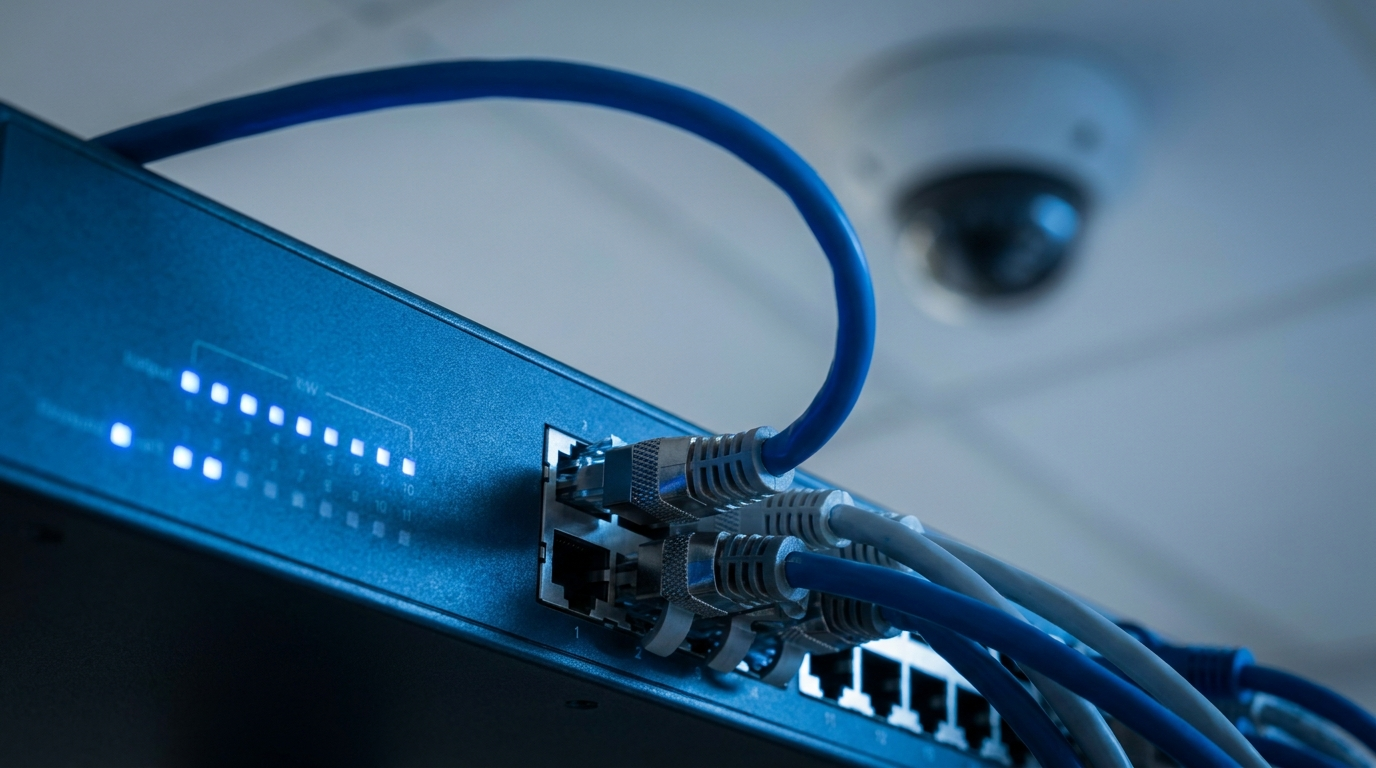
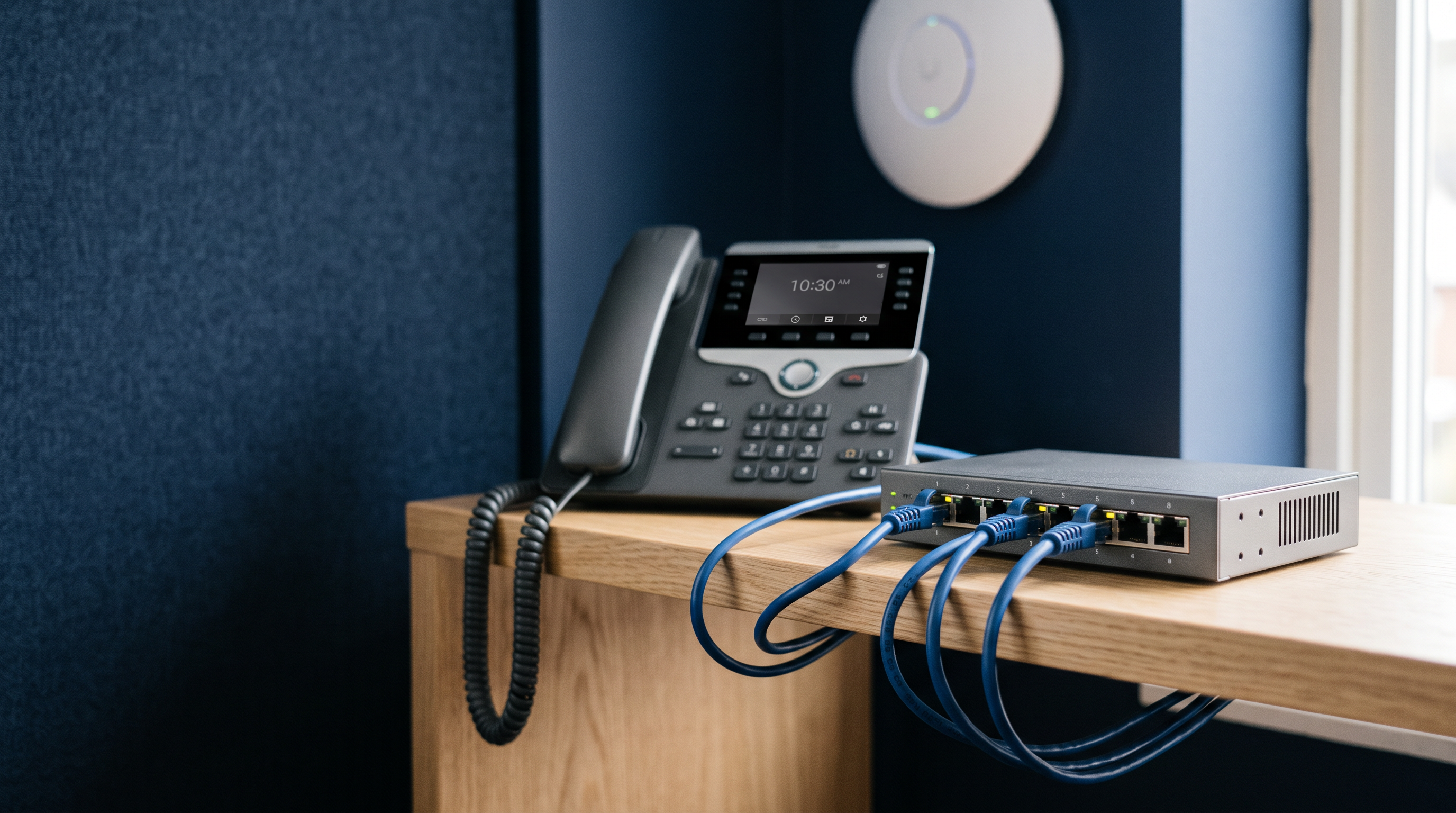
A network switch moves data between the devices inside your network, such as computers, printers, phones, and cameras, without sending it out to the internet and back. Routers only have a handful of ports; once you have more than four or five wired devices, you need a switch.
Two rules when choosing one:
- Go managed (or smart), not unmanaged. A smart or managed switch lets you separate guest Wi-Fi from company data with VLANs and troubleshoot problems remotely. The price difference is small; the capability difference is not.
- Count your powered devices. IP phones, cameras, and access points can draw power over the network cable itself with a PoE switch: one cable instead of two, and no power adapters at the ceiling. Our PoE explainer covers the basics, and our small-office PoE switch picks compare specific models.
Larger offices routing traffic between departments may want a Layer 3 switch, which can take over some routing duties internally.

The firewall: the security checkpoint
A firewall inspects traffic moving between your network and the internet and blocks what should not get through. Your router includes a basic firewall, and for a very small office that may be enough. A dedicated firewall appliance adds the protections businesses actually get attacked through: intrusion prevention, content filtering, VPN access for remote workers, and visibility into what is happening on your network. If you handle customer data, take card payments, or have remote employees, a dedicated firewall stops being optional.
So what do you actually need?
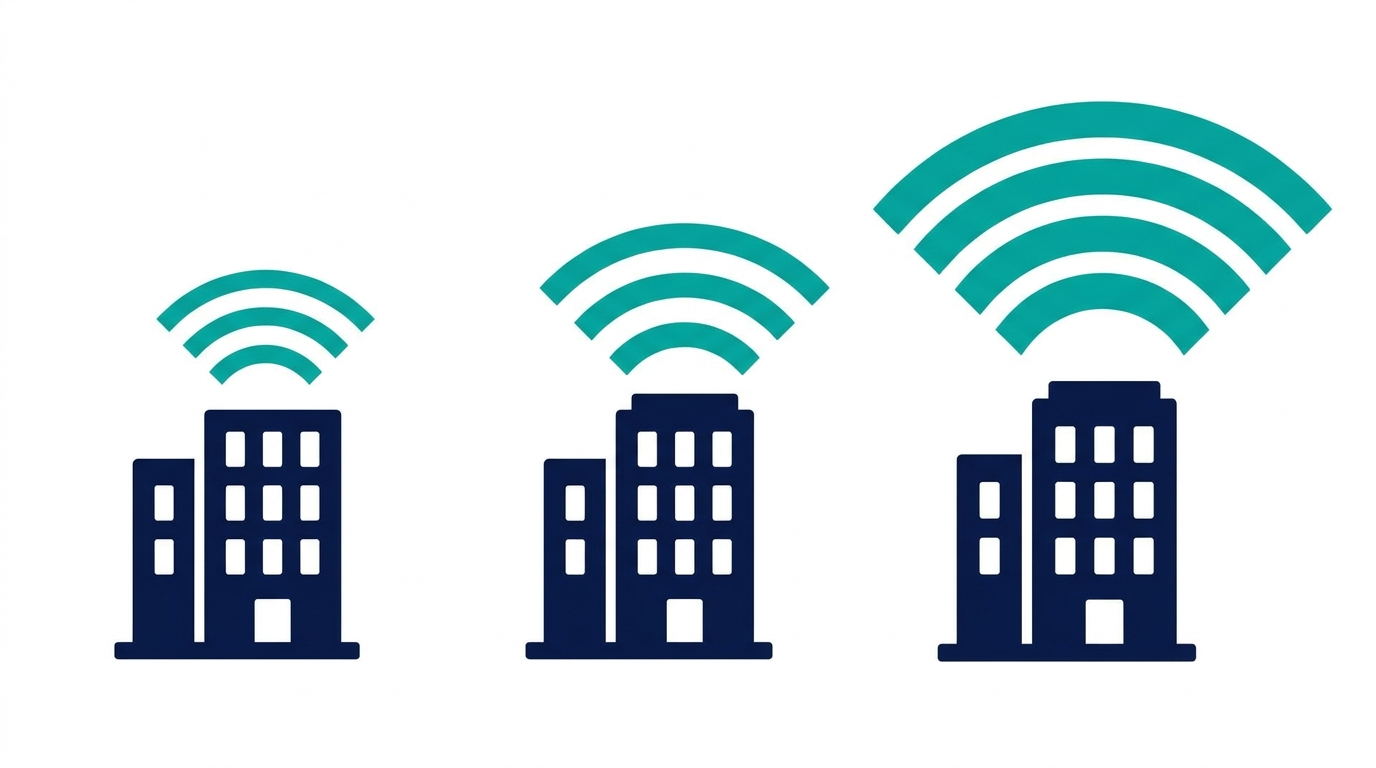
Home office or storefront (1 to 5 devices): a quality business router is usually enough. Its built-in switching and firewall cover the basics.
Small office (5 to 25 devices): a router plus a smart switch. Add PoE if you run phones, cameras, or access points, and strongly consider a dedicated firewall.
Growing office (25+ devices, remote workers, compliance requirements): all three: a router, managed switches sized to your wired ports, and a dedicated firewall with active security subscriptions.
Ready to compare hardware? Browse switches, routers, and firewalls.