Every office computer purchase comes down to two questions: where will this person work, and what software will they run? Answer those and the laptop-vs-desktop-vs-workstation decision mostly makes itself.
Business laptops: mobility first
If someone works from home some days, travels, or moves between meeting rooms, a business laptop is the default. Modern business laptops handle email, documents, spreadsheets, video calls, and web apps without strain, and dock to a full monitor-and-keyboard setup at the desk (our business monitor guide covers that half of the desk).
What to look for: a current-generation processor, 16 GB of RAM as the floor for business use, SSD storage, and the latest Wi-Fi standard your office supports. Pay attention to the operating system edition too; business machines should run a Pro edition for remote management and disk encryption. If your team is exploring on-device AI features, Copilot+ and AI laptops add dedicated neural processors for that workload.
Business desktops: more performance per dollar
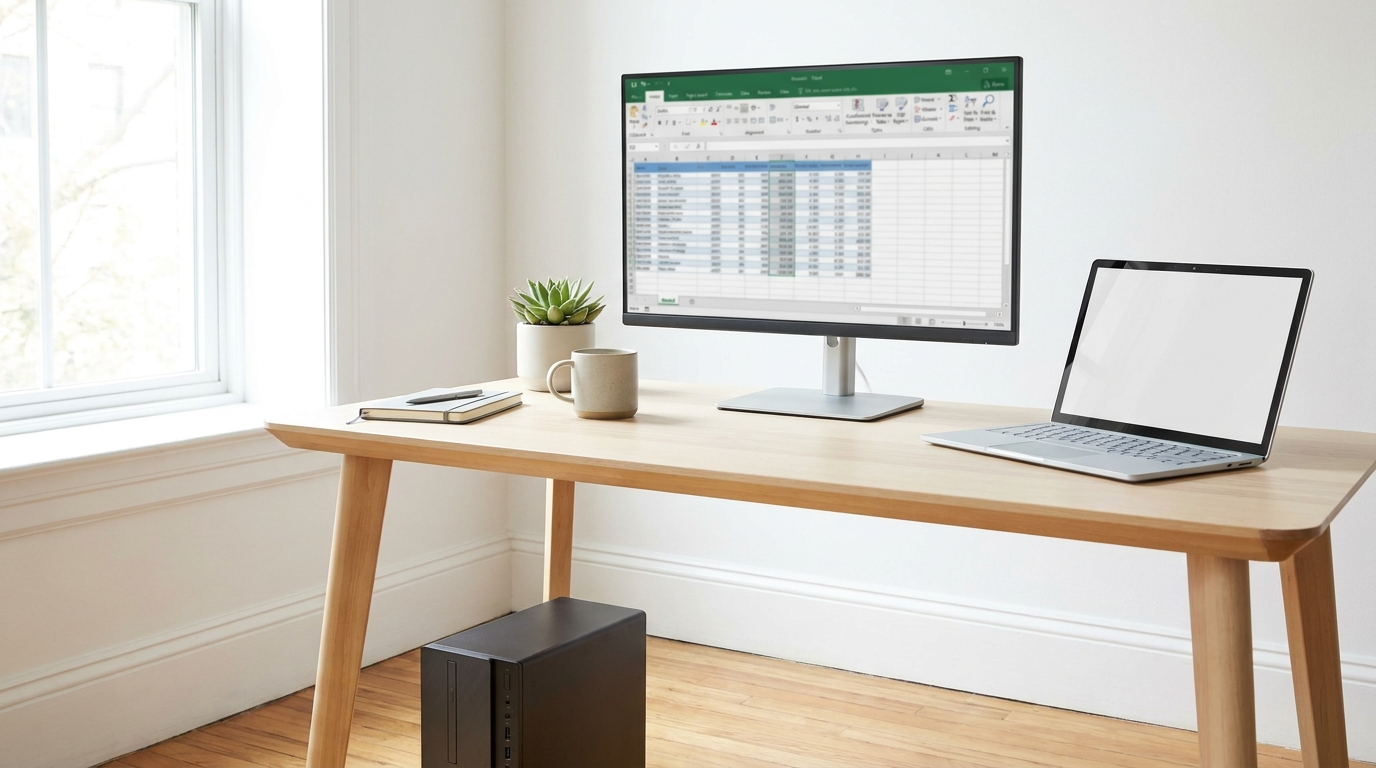
For staff who sit at the same desk every day, such as front office, accounting, dispatch, and design, a desktop delivers more performance per dollar, easier repairs and upgrades, and a longer service life than a comparable laptop. All-in-ones build the computer into the monitor for the cleanest possible footprint.

Desktops come in three sizes, and the difference matters:
- Tower: the full-size option, with room for expansion cards, extra drives, and the most powerful processors. Choose it when upgradeability matters.
- Slim / Small Form Factor: most of the performance in roughly half the space, and the sweet spot for typical office desks.
- Micro / Mini: mini PCs small enough to mount behind a monitor, ideal for reception desks, point of sale, and conference rooms.
Workstations: when the software demands it
A workstation is not just a fast computer; it is a class of machine built for professional software: CAD, 3D modeling, video production, engineering simulation, and data science. Workstations offer certified graphics cards, support for far more memory, and components rated for sustained all-day load.
The rule of thumb: if your software vendor publishes a list of certified hardware, you need a workstation. Mobile workstations bring that capability to people who travel; AI workstations and creator PCs serve teams training models or rendering daily.
The quick decision guide
Works in multiple places, standard office apps: business laptop. Fixed desk, standard office apps: desktop, slim or micro for most desks. Professional 3D, video, engineering, or data science software: workstation; mobile if they travel, tower if they do not.